
Is Connecting Your Store's WhatsApp via QR Scan Safe? The Hidden Bill Nobody Mentions
That 30-second QR connect is the most expensive feature in your automation tool. Here's what actually happens under the hood, what the ban numbers say, and the one rule that protects your store's number.
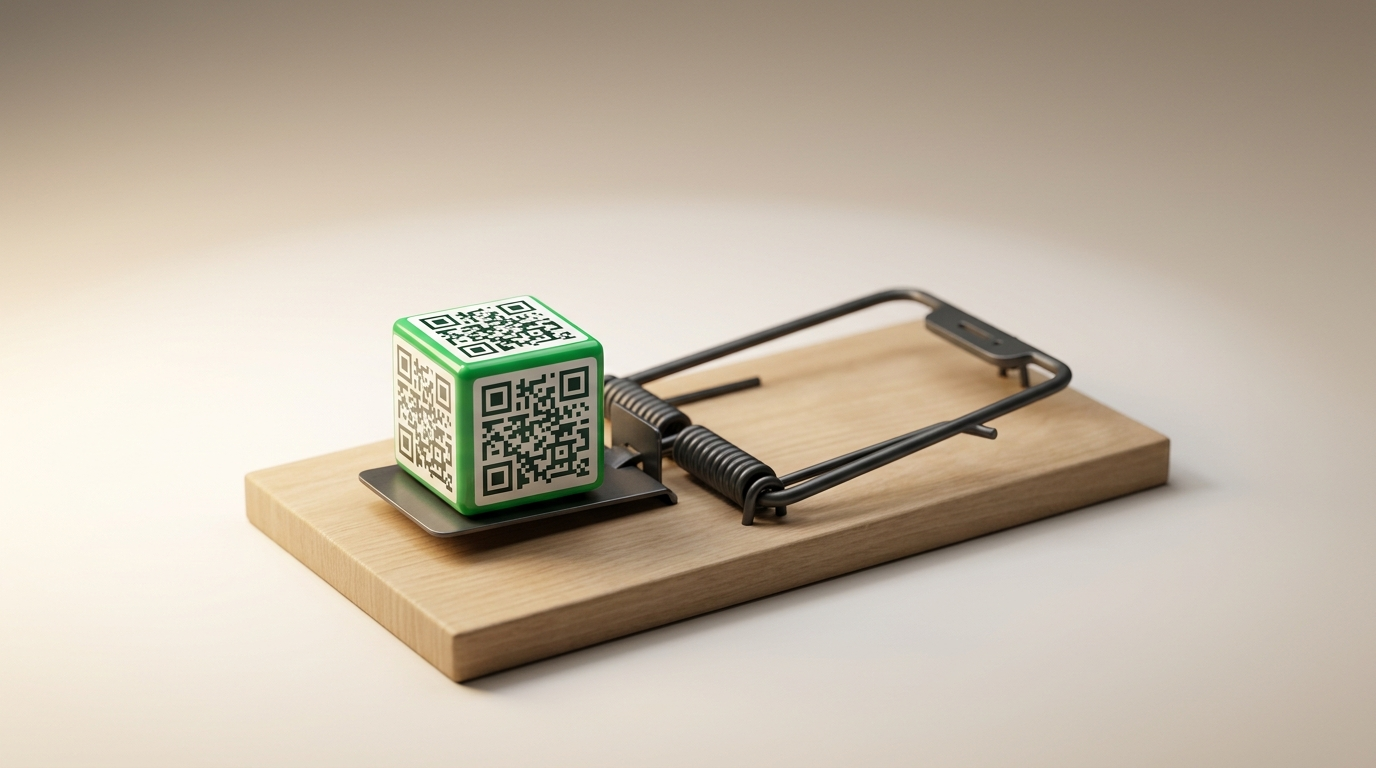
Is Connecting Your Store's WhatsApp via QR Scan Safe? The Hidden Bill Nobody Mentions
Download the tool, open WhatsApp, go to "Linked Devices," scan the barcode... and in under a minute you have a bot replying to your customers. Smooth experience, right?
Here's an awkward question for you: if it's really that easy, why doesn't Meta itself officially allow it?
The answer to that question is the most important technical decision you'll make for your store this year. Because what's at stake isn't "an auto-reply tool." What's at stake is the WhatsApp number that your entire customer base messages.
What Actually Happens Under the Hood When You Scan That QR?
There are exactly two roads any tool can take to reach your store's WhatsApp, and every tool on the market, without exception, runs on one of them:
Road one: the official route (Cloud API). Meta provides an official business interface. You connect your number through Meta's own login and its own windows, and every message flows through Meta's infrastructure. This road is licensed, documented, and built for businesses from day one.
Road two: WhatsApp Web emulation. The tool pretends to be a "linked device," exactly like your browser does when you open WhatsApp Web. You scan the QR, hand the tool a full session in your number's name, and it starts sending and receiving while acting, as far as WhatsApp can tell, like an innocent browser. This road runs on unofficial libraries built through reverse engineering, and Meta considers it a direct violation of its terms of service.
And here is the irony that no marketing page will tell you:
The easiest feature in the tool, the 30-second QR connect, is also its most expensive one. Because you don't pay for it with your subscription... you pay for it with your number.
Meta does not allow any third party to render the "Linked Devices" barcode inside its own app. So any tool that shows you a QR code on its own website to connect WhatsApp is, by necessity, on road two. That's not an accusation. That's simply how the technology works.
"But My Friend Has Used One for a Year and Nothing Happened"
This is the strongest objection, and the most dangerous one. Let me answer it with numbers, not fear:
- WhatsApp bans millions of accounts every month. In India alone, official transparency reports document over 9 million accounts banned monthly, a large share of them for unofficial tools and apps.
- Industry practitioners estimate that one in five accounts using unofficial interfaces gets banned within a year.
- The success rate of appeals after a permanent ban? Under 2%. If the number goes, it's gone.
- And on the GitHub pages of the unofficial libraries themselves, you'll find recurring ban reports, including cases where the number was banned immediately after scanning the QR, and stories of bots that ran fine for three years and got banned overnight in a single update wave of the detection systems.
That last point is the heart of the matter. Your friend who "never had a problem" is not proof the tool is safe. It's proof their turn hasn't come yet. Meta's detection is probabilistic and constantly updated, and tools that survived three years got banned in a single day. On top of all that, the merchants whose numbers were banned don't run ads telling their story, so you only ever hear from the survivors.
And there's one more layer worth stating calmly: the companies selling you QR connection know exactly which library they run on, and they know exactly what Meta's terms say. Yet the number that gets banned is not theirs... it's yours. The entire risk was transferred to you, and the disclosure never arrived.
Your Number Isn't a "Contact Channel." Your Number Is the Store.
Imagine waking up to the message: "This account has been banned." What did you actually lose?
- Your entire chat history: every negotiation, every delivery address, every customer who said "I'll get back to you tomorrow."
- The printed number on your bags, invoices, ads, and store cards.
- Customer trust: a customer who messages a banned number gets nothing through, and you have no way to tell them where you went.
And the ban rarely arrives all at once. It comes as a ladder: a 24-hour restriction, then 48 hours, then permanent. The problem is that most merchants never connect that first restriction to the tool, so they keep using it until they reach the top of the ladder.
When Is a QR Tool Actually a Reasonable Choice?
To be fair, not every use of these tools is wrong. If you have a dedicated test number for experimenting with an idea, a small personal project that can afford to lose its number, or an internal bot for your team that never touches customers, then the risk is calculated and your decision is understandable.
The rule is simple: never connect a number you can't afford to lose. And your store's main number is, by definition, a number you can't afford to lose.
Why Rafiq Chose the Longer Road
Here we'll be completely straight with you: connecting WhatsApp in Rafiq goes through Meta's official windows and Meta's official login, which means more steps than scanning a barcode in thirty seconds. Some competing tools have a smoother connection experience than ours. We know that.
But this is a decision, not a shortcoming. Rafiq is built on one principle we will not compromise: quality without gambling. We will not bet your number, your customers' data, or your store's continuity for a "wow" feeling that lasts one minute during setup. Every message flows through Meta's officially licensed channels, and we never touch your WhatsApp Web session, because we never need to.
The extra minute you spend on the official connection is the cheapest insurance you will ever buy for your store.
Frequently Asked Questions
How do I know whether the tool I'm using is official or not? A one-question test: did it ask you to scan a QR from "Linked Devices" inside its own website? If the answer is yes, it's emulating WhatsApp Web through an unofficial library. Official tools connect exclusively through Meta's login and Meta's own windows.
My number got banned because of a tool. Can I get it back? Appeals exist, but their success rate after a permanent ban is very low. The right move happens before the ban, not after it: disconnect the unofficial tool today, not after the first restriction.
Why isn't there an official tool with the same QR smoothness? Because Meta prohibits any third party from rendering the Linked Devices barcode inside its own app, and official connection must go through Meta's own windows. Any tool that "got around" this restriction got around it from outside the official umbrella.
Is the official connection more expensive? There is a per-message cost based on usage, yes. But weigh it against the other side of the equation: the value of a number that carries your entire customer base and sales history. The cost difference is insurance, not an extra expense.
The Bottom Line
The question "is connecting WhatsApp via QR scan safe?" has a clear technical answer: a QR inside a third-party app means unofficial emulation, unofficial emulation means your number is standing in the detection queue, and it's a matter of time, not a matter of luck. Official figures show millions of accounts banned every month, and the survivors whose stories you hear are simply the ones whose turn hasn't come.
Rafiq chose from day one to keep your number out of that queue: official connection through Meta, instant 24/7 replies in your customer's dialect, smart negotiation with a protected floor, and order closing, all without anyone going near your WhatsApp session. Connect it the right way, and let your number sell for you instead of taking risks for you.